
PDF Metadata: The Hidden Key to Document Power
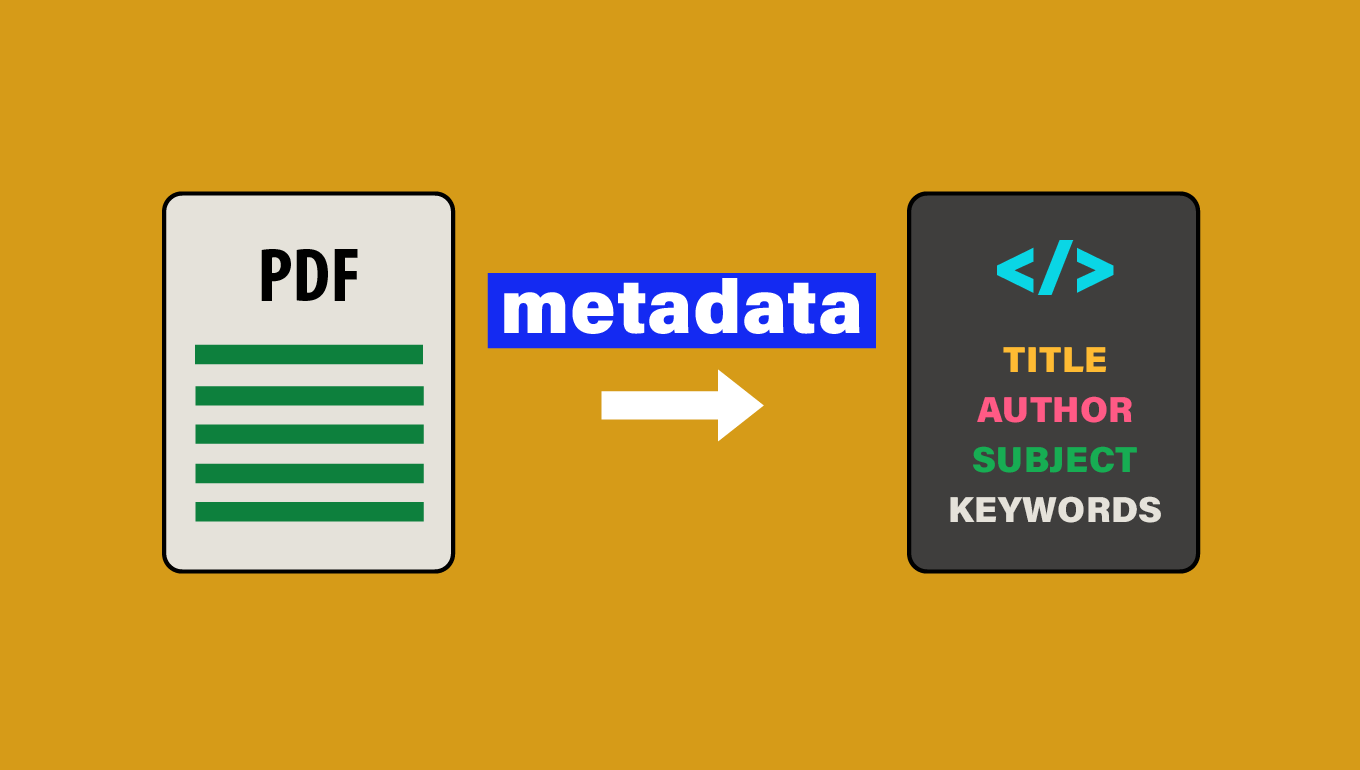
PDF metadata is a set of information embedded within a PDF file that provides details about the document's content, creation, and characteristics. Understanding and properly managing this metadata is crucial for document organization, searchability, and accessibility.
What is PDF metadata?
PDF metadata is structured information that describes various aspects of a PDF document. It includes details about the document's creation, modification, and content, which are not visible in the main body of the PDF but are accessible through document properties or specialized tools.
What components does PDF metadata consist of?
PDF metadata typically includes:
- Title
- Author
- Subject
- Keywords
- Creator (software used to create the original document)
- Producer (software used to convert the document to PDF)
- Creation date
- Modification date
- Copyright information
- Custom fields (user-defined metadata)
How to view PDF metadata
To view PDF metadata:
1. In most PDF readers (e.g., Adobe Acrobat, Preview on Mac):
- Open the PDF file;
- Go to "File" > "Properties" or use the keyboard shortcut (often Ctrl+D or Cmd+D);
- Look for tabs like "Description" or "Metadata".
2. Using online tools:
- Various websites offer free PDF metadata viewers;
- Upload your PDF and the tool will display the metadata.
How to edit PDF metadata
Several software tools allow you to edit PDF metadata:
-
Adobe Acrobat Pro:
Open the PDF, go to "File" > "Properties".
Edit fields in the "Description" tab. -
PDFsam Basic:
Free, open-source tool for editing basic metadata -
ExifTool:
Command-line tool for reading and writing metadata -
PDF-XChange Editor:
Offers a user-friendly interface for metadata editing -
Sejda PDF Desktop:
Provides a simple way to edit PDF metadata
Importance of well-structured metadata
Well-structured metadata is crucial for several reasons:
-
Search engine optimization:
Proper metadata helps search engines index PDFs accurately, improving discoverability. -
Document management:
Good metadata facilitates easier organization and retrieval of documents within content management systems. -
Accessibility:
Screen readers and other assistive technologies use metadata to provide context and navigation for users with disabilities. -
Legal and regulatory compliance:
In some industries, accurate metadata is essential for meeting document retention and accessibility requirements. -
Version control:
Metadata can help track document versions and modifications over time. -
Intellectual property protection:
Copyright information in metadata can help protect your work and attribute it correctly.
By maintaining accurate and comprehensive metadata, you ensure your PDF documents are more useful, accessible, and discoverable in both digital and physical filing systems.
Back to blog

