
Merge PDF Files with PDF Translator Pro: A Simple Guide
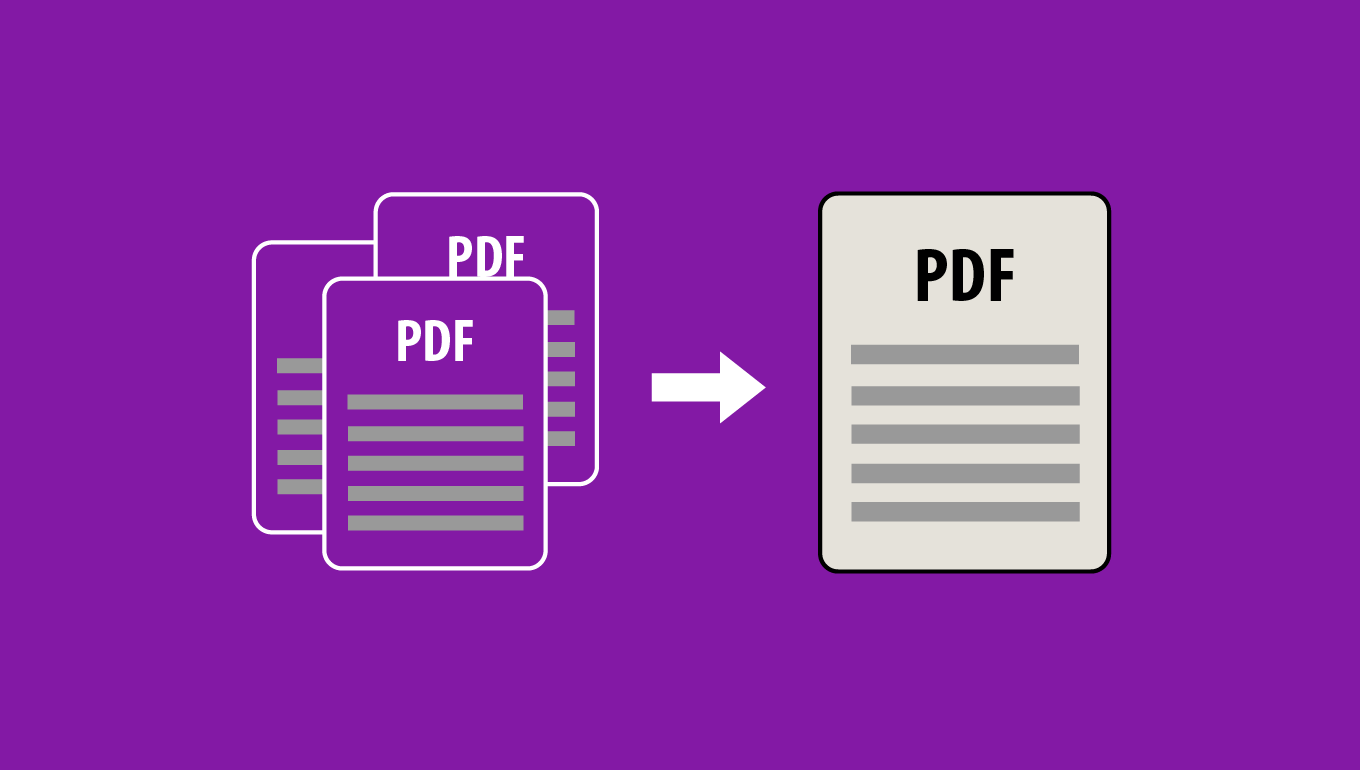
In today's digital world, combining multiple PDF files into a single document is often necessary for organizing information or creating comprehensive reports. With tools like PDF Translator Pro, this process is straightforward and quick. Here's how to merge your PDF files in just a few steps using PDF Translator Pro's mobile app Merge PDF functionality:
- Open PDF Translator Pro mobile app and navigate to the Merge PDF feature.
- Select your files using either the Browse or Import option.
- Rearrange the order of your files using the up and down arrows next to each filename.
- Tap Merge to combine the selected files.
- Your newly merged PDF is now ready to view, share, or email.
By following these simple steps, you can efficiently combine multiple PDFs into a single, organized document. This not only streamlines your workflow but also makes sharing and managing your files much easier. Whether for work, study, or personal use, mastering PDF merging is a valuable skill in our increasingly paperless world.
Back to blog

