
Merge PDF: Combine Multiple Files into One Document
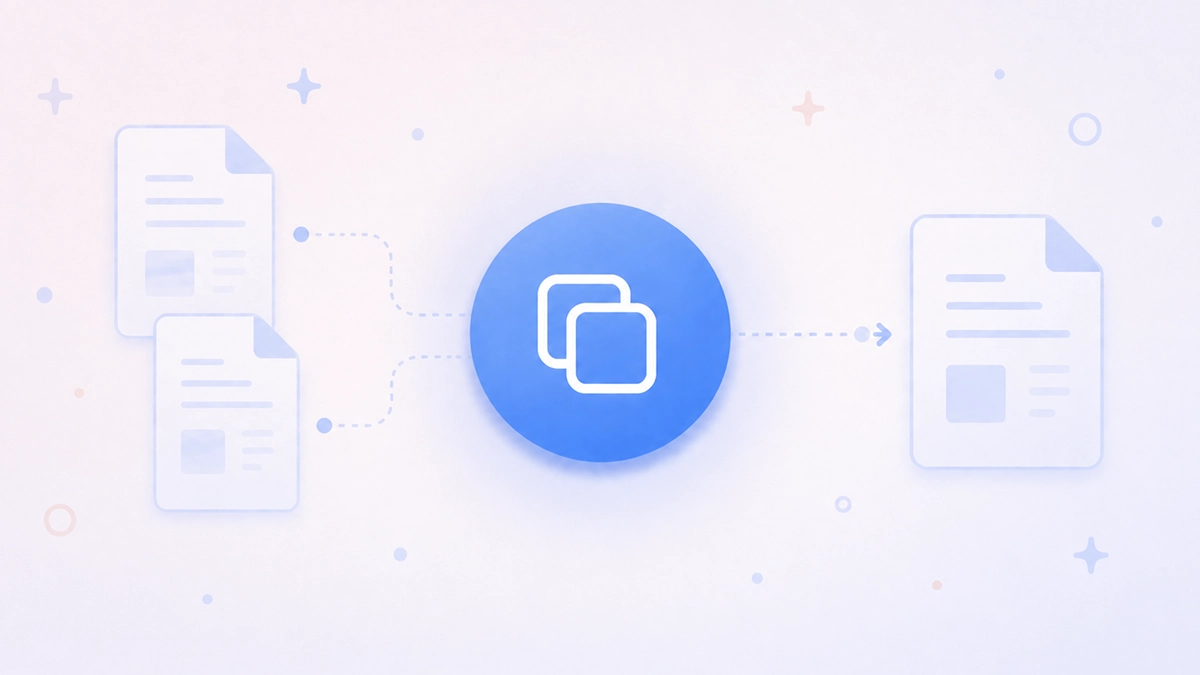
Combining PDFs shouldn't require desktop software, file size limits, or uploading documents to an unknown third-party site. Merge PDF in PDF Translator Pro lets you combine up to ten PDF files into a single document, control the order of pages, and download the result — all in your browser, without installing anything.
Whether you're consolidating reports, assembling a portfolio, combining scanned pages, or putting together a multi-chapter document, Merge PDF handles it in a few clicks. You choose the files, arrange them in the right order, and get a single clean PDF back.
How to Merge PDF Files
The process takes less than a minute:
- Open PDF Translator Pro and navigate to Merge PDF from the main menu.
- Upload your PDF files by clicking the upload zone or dragging them onto it. You can add up to 10 files at once.
- Review the file list. Use the arrow buttons next to each file to reorder them — the final document will follow this sequence from top to bottom.
- To remove a file, click the trash icon next to it. To preview a file before merging, click the eye icon.
- Optionally, click the output filename to rename the merged document before downloading.
- Click Merge PDFs. The files are combined on the server and the finished document downloads automatically.
Ordering Files
The order of files in the list determines the order of pages in the output. The first file's pages come first, followed by the second file's pages, and so on. Use the up and down arrow buttons to move any file to a different position in the sequence. You can reorder as many times as needed before merging — the files themselves are not affected.
If you need to add more files after the initial upload, click + Add more files at the top of the list. Newly added files are appended to the end and can be reordered from there.
Output File
The merged document is saved as merged.pdf by default. To use a different name, click the filename shown in the panel before merging — a rename dialog will open where you can type any name you prefer. The change applies to the downloaded file only; your original files are not renamed.
Cost
Merging costs 1 credit per file. Merging three PDFs costs 3 credits; merging ten costs 10. The exact cost and your current balance are displayed in the panel before you confirm, so there are no surprises. If your balance is insufficient, the app takes you to the packages page.
Tips for Best Results
- Preview files before merging. Use the eye icon to verify each file is the right one and the pages are in the expected order before committing credits.
- Order matters — check it before clicking Merge. Once the merged file downloads, the sequence is set. Take a moment to confirm the list order matches the document structure you need.
- Add files in batches if needed. You don't have to upload all files at once. Upload a first batch, reorder, then use Add more files to append additional documents at the end.
- Rename the output before merging. If you're creating several merged documents in a session, give each a descriptive name before downloading so your downloads folder stays organised.
- Scanned PDFs merge the same as digital ones. There's no difference in how the tool handles scanned vs. digitally created PDFs — both are combined as-is, with no OCR or content modification.
Also Available on the Mobile App
Merge PDF is also available in the PDF Translator Pro mobile app. If you're on your phone or tablet, you can merge PDFs from your device directly — the same credit balance applies across both platforms, so you can switch between web and mobile without any friction.
Part of the PDF Translator Pro Suite
Merge PDF shares the same account and credit balance as Translate PDF, Translate Text, Fill Out PDF, Sign PDF, and File Share. Merge your documents, translate them, fill them out, and share them — all from the same platform without switching tools.
To get started, open Merge PDF from the main menu and upload your files.
Back to blog

