
Blush: AI-Powered Illustration Library for Designers and Creators
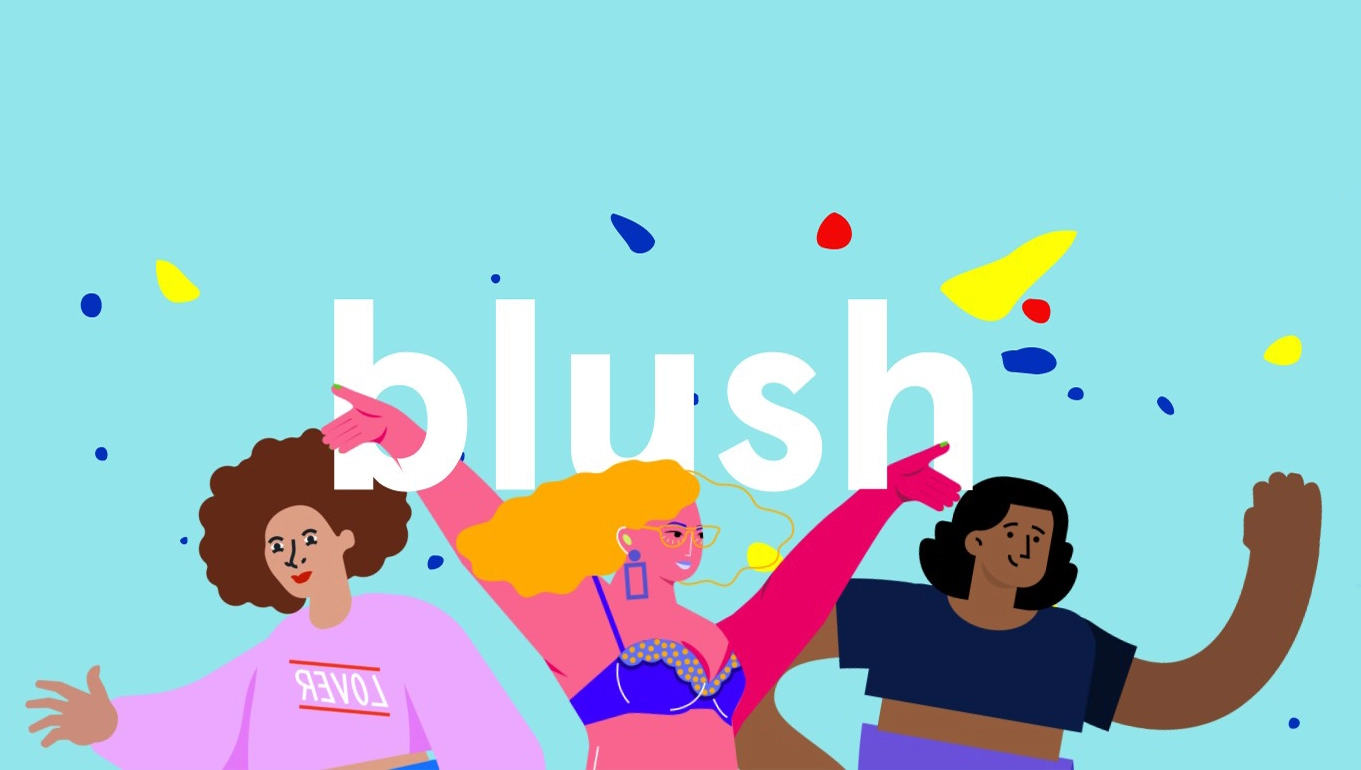
Blush is a free illustration platform created by Pablo Stanley that provides designers, developers, and content creators with access to customizable illustrations. The platform combines curated artwork from various artists with an intuitive customization interface, allowing users to mix and match different styles, characters, and elements to create unique visuals for their projects.
What is Blush?
Unlike traditional stock illustration libraries, Blush focuses on providing editable, component-based illustrations that can be tailored to match specific brand aesthetics and use cases without requiring illustration skills.
Key Features
Customization Tools
- Mix elements from different illustration collections
- Change colors to match brand guidelines
- Swap backgrounds, characters, and objects
- Adjust poses and compositions
Multiple Art Styles
- Access to diverse illustration styles from various artists
- Collections ranging from 3D renders to flat illustrations
- Regular updates with new artwork and styles
Integration Options
- Figma plugin for direct integration into design workflows
- Download in PNG and SVG formats
- Works with popular design tools
Strengths
- Free Access: The core library is completely free to use, making professional-quality illustrations accessible to startups, students, and small teams with limited budgets.
- Time Efficiency: Creating custom illustrations from scratch can take hours or days. Blush reduces this to minutes, allowing rapid prototyping and faster project completion.
- Consistent Quality: All collections are curated and created by professional illustrators, ensuring a baseline quality standard that elevates project aesthetics.
- Commercial Use: Illustrations can be used in commercial projects without additional licensing fees, simplifying legal compliance for businesses.
- Active Community: Regular updates with new collections and styles keep the library fresh and relevant to current design trends.
Weaknesses
- Limited Uniqueness: Since Blush is widely used, your chosen illustrations may appear in other projects, potentially reducing brand differentiation. Popular collections become recognizable across websites and applications.
- Style Constraints: While customizable, you're limited to the artistic styles available in the library. If none match your brand aesthetic, customization options won't solve the fundamental style mismatch.
- Complexity for Simple Needs: For users who just need basic icons or simple graphics, the customization interface might feel overcomplicated compared to downloading a ready-made file.
- File Size Considerations: Some 3D illustration collections result in larger file sizes, which can impact website loading times if not optimized properly.
- Premium Limitations: The most extensive customization features and some exclusive collections require a Blush Pro subscription, limiting what free users can achieve.
Who Should Use Blush?
Ideal For:
- Startup founders building MVPs and landing pages who need professional visuals quickly
- Web designers working on multiple client projects who need diverse illustration styles
- Content creators producing blog posts, social media content, or presentations
- Product designers creating UI mockups and prototype interfaces
- Marketing teams developing campaign materials without dedicated illustration budgets
- Students and educators teaching design concepts or creating educational materials
Not Ideal For:
- Established brands requiring exclusive, custom illustration systems
- Projects demanding unique artistic voice where originality is paramount
- Print-focused work requiring extremely high-resolution or specific technical specifications
- Users seeking photorealistic images rather than illustrated content
Common Use Cases
- Website Development: Hero sections, feature explanations, empty states, and error pages commonly use Blush illustrations to add visual interest and guide users through interfaces.
- Marketing Materials: Landing pages, email newsletters, social media posts, and presentation decks benefit from Blush's diverse styles to communicate concepts visually.
- Product Design: Onboarding flows, tutorial screens, and placeholder content use customizable illustrations to enhance user experience during development.
- Content Marketing: Blog headers, infographics, and ebooks incorporate Blush illustrations to break up text and improve engagement.
- Pitch Decks: Startups use Blush to create professional-looking investor presentations without hiring dedicated illustrators.
Getting Started
- Visit blush.design
- Browse collections or search for specific themes
- Click on an illustration to open the customization panel
- Adjust colors, swap elements, and mix components
- Download as PNG or SVG
- For Figma users: Install the Blush plugin for direct integration
Pricing
Blush offers a generous free tier with access to most collections. Blush Pro provides additional benefits including exclusive collections, advanced customization options, and priority support, with pricing typically around $12/month when billed annually.
Bottom Line
Blush excels as a practical solution for teams and individuals who need quality illustrations quickly without significant budget allocation. Its strength lies in the balance between customization flexibility and ease of use, making professional-quality visuals accessible to non-illustrators.
However, if your project requires absolute uniqueness or a highly specific artistic style, investing in custom illustration work remains the better choice. For most digital products, marketing materials, and web projects, Blush provides more than adequate visual resources to maintain professional standards while moving quickly.
The platform works best when used strategically—customize colors and elements enough to align with your brand, but recognize when a project demands fully original artwork. For rapid iteration, MVP development, and content marketing, Blush is an excellent tool in any designer's arsenal.
Back to blog

