
A Quick Guide to PDF File Types
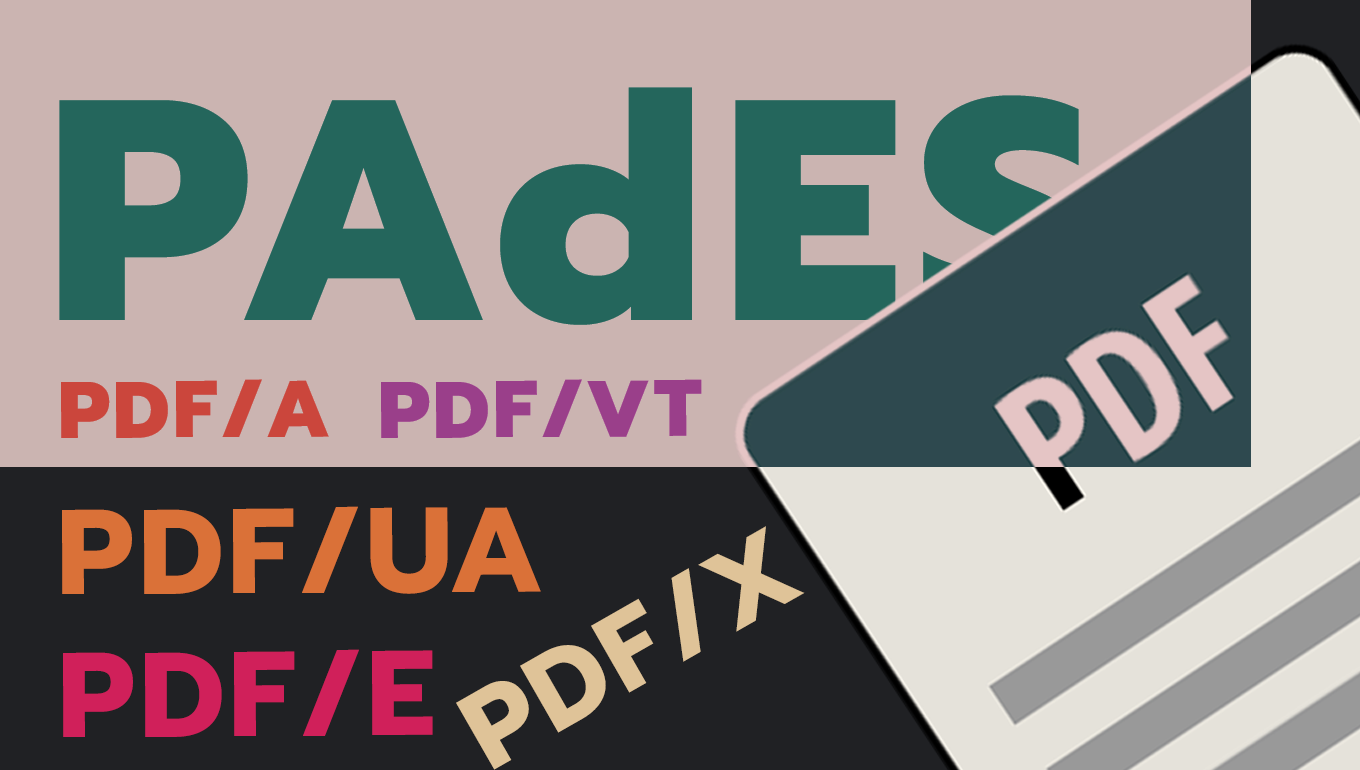
PDF (Portable Document Format) is a versatile file format developed by Adobe in the 1990s. It has become a standard for document sharing and storage across various industries and personal use.
Types of PDF Formats
- PDF: The standard PDF format used for general purposes.
- PDF/A: Designed for long-term archiving and preservation of electronic documents.
- PDF/E: Tailored for engineering documents in manufacturing, construction, and geospatial industries.
- PDF/UA: Focused on universal accessibility, ensuring PDFs are readable by people with disabilities.
- PDF/X: Specifically for the printing and publishing industry, ensuring consistent print quality.
- PDF/VT: Optimized for variable and transactional printing.
- PDF/H: Specialized for the healthcare industry, often used for medical records and imaging.
- Searchable PDF: Contains both the original scanned image and a text layer, allowing for text searches.
- PAdES: (PDF Advanced Electronic Signatures) A set of restrictions and extensions to PDF for advanced electronic signatures.
Advantages of PDF
- Versatility: PDFs can contain various types of information, including text, images, and interactive elements.
- Interactivity: Newer PDF versions support buttons, links, form fields, checkboxes, videos, etc.
- Layout preservation: PDFs retain the exact layout and formatting of the original document across different devices and platforms.
- Compatibility: PDFs can be easily shared and viewed on most devices without specialized software.
- Easy creation: Many tools are available for creating and editing PDFs.
- Well suited for specialized use: there are PDF file formats developed for engineering, graphics, healthcare, etc.
- Security features: You can add a password to your PDF, add digital signatures or protect it by restricting editing, copying and printing.
- Compression: File size can be significantly reduced through compression techniques.
Disadvantages of PDF
- Large file size: High quality images and complex layouts can increase the document’s file size.
- Specialized software needed for editing: Editing a PDF is more complex when compared to simpler file formats and requires additional software.
- Malware potential: embedded scripts and macros can pose security threats.
Conclusion
Despite some of its disadvantages, the widely recognized benefits of PDF have established it as the go-to format across diverse sectors. Its adaptability, reliability, and ease of use make it an indispensable tool for document management in both professional and personal contexts.
Back to blog

