

Get Your Account Now!
Scan & Translate
Any Document
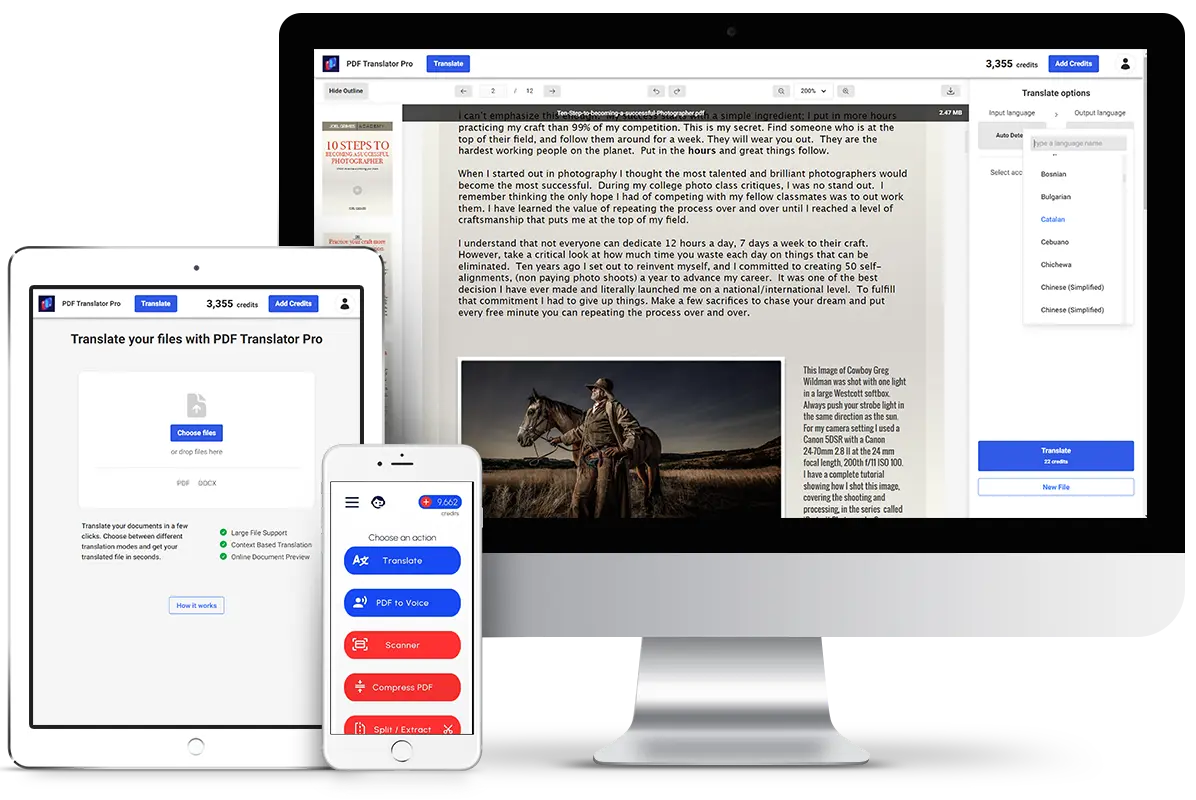
Translate PDF files on the go
Also available for iOS and Android
Ease of Use


Runs
Anywhere

300K+
Users Served
100+
Supported Languages
Secure
Storage & Transfer
Built-in
Online Tools and Viewers
This PDF translation app is a game-changer! The accuracy is incredible, and the additional tools are super handy.
Emily R.
PDF Translator Pro
Mobile Suite
Translate your documents on the go
Have your documents translated no matter where you are. Our mobile suite will bring the power of out translation engines to your fingertips.
Fast & Intuitive
Our mobile suite is designed to be easy to use, yet powerful enough to handle even the most complex documents.
All in one Tools
Use our mobile suite to translate, scan, turn to speech, merge, split and much more.


Featured
Blog Article
Insights, tips, and trends from the world of document translation
Frequently Asked
Questions
If you have a question that is not listed here, please contact us.
PDF Translation Pro uses state-of-the-art machine learning translation models to ensure high accuracy. Unlike traditional tools that translate word-for-word, our engine understands context, idioms, and technical nuances, providing human-quality results.
Good news! You can use our services on any device with a browser. We support all major browsers and operating systems. You can also use our mobile apps on iOS and Android.
With PDF Translator Pro you can translate anything—from a single line to a full document—and forget about limits. Unlike other services which restrict how much text you can process at once, you can upload entire reports or books without hesitation. No slicing, no splitting, no frustration—just seamless, unlimited translation at your command.
Yes, this is our core feature. Our technology analyzes the visual structure of your document—including tables, columns, and graphics—and reconstructs it in the target language. We aim at creating an output that looks identical to the original, just in a different language.
You can cancel your subscription at any time. Simply go to your account settings and click on the subscription tab. There you will find the option to cancel your subscription. If you've started a subscription on the mobile app stores, navigate to the respective store and cancel it there.
Short answer: No. Long answer: Credits do not expire as long as you have an active account. If you cancel your account, you will lose any remaining credits.
Yes, any unused credits will roll over to the next subscription period. This way you can accumulate credits over time and use them when you need them. No more wasting resources!